Setup Guide
How to Install and Setup Watch-TV
Follow our 4 easy steps to get IPTV Smarters Pro running on your Firestick, Android TV, or Android Box in under 5 minutes.
1
Enable Unknown Sources
First, we need to prepare your Firestick or Android TV to allow third-party installations.
- From your home screen, go to Settings (the gear icon).
- Select My Fire TV (or Device Preferences on Android TV).
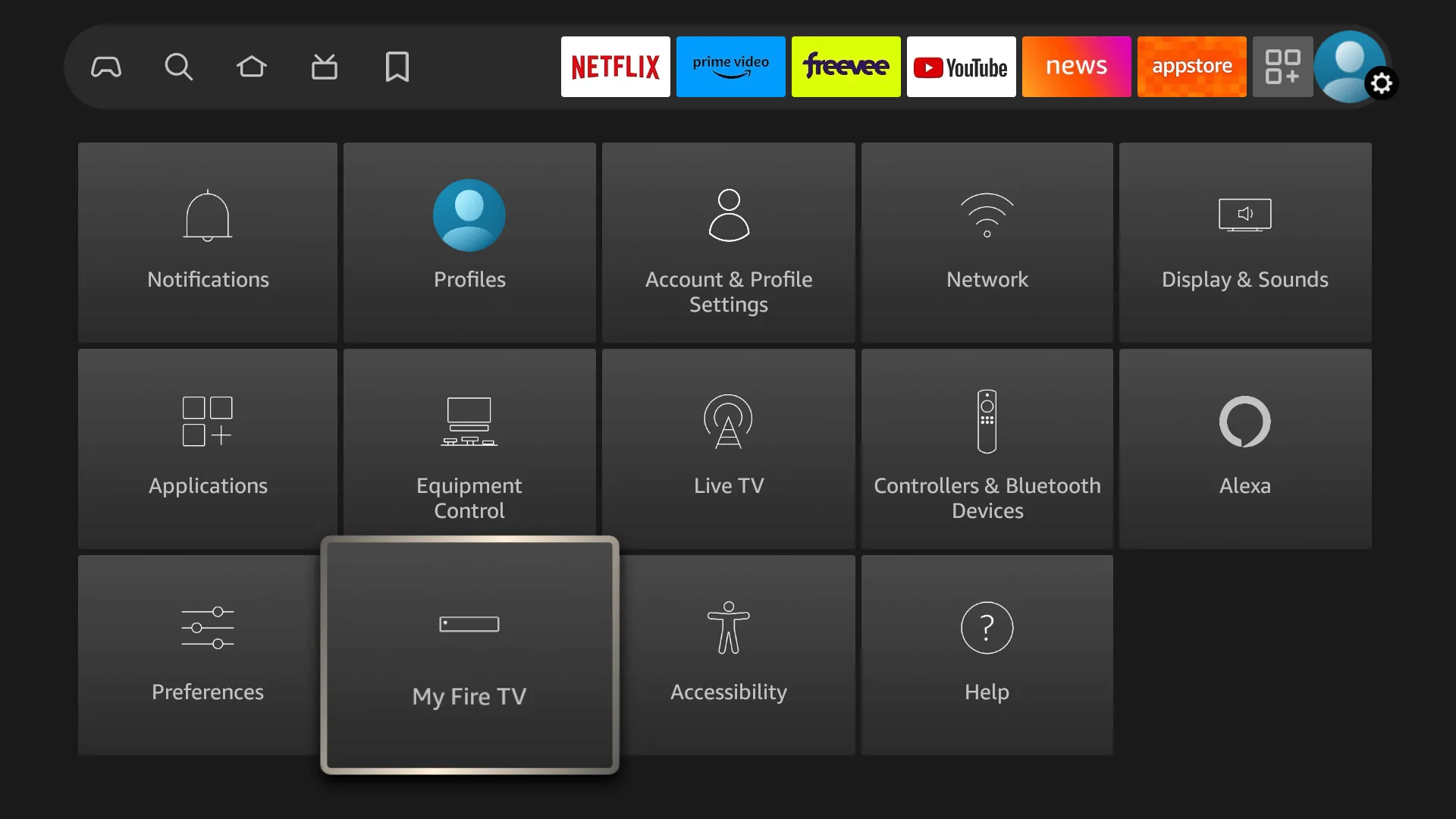
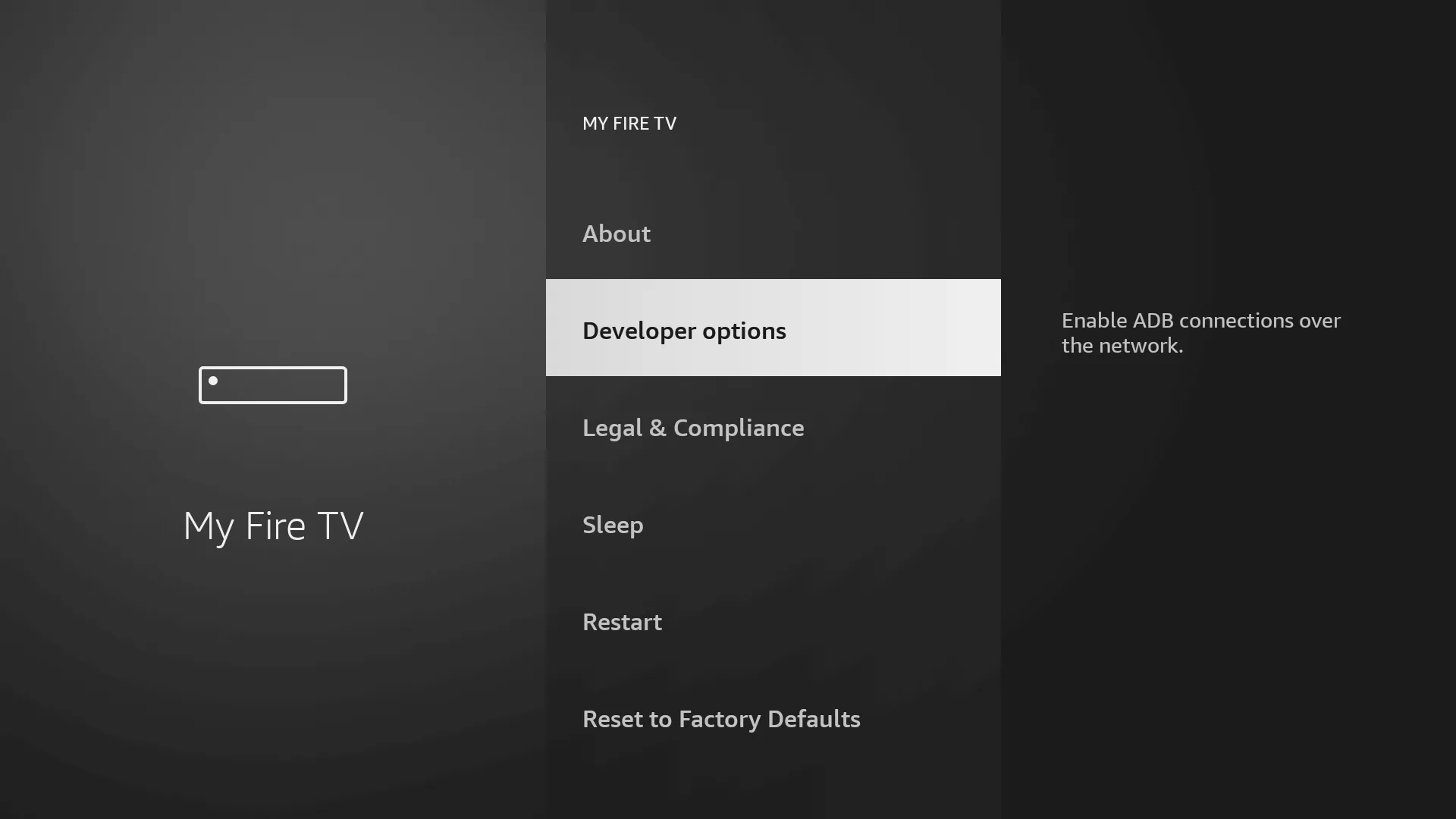
- Select Developer Options. (Note: If you don't see Developer Options, click on "About", highlight your device name, and press the OK button 7 times to reveal it).
2
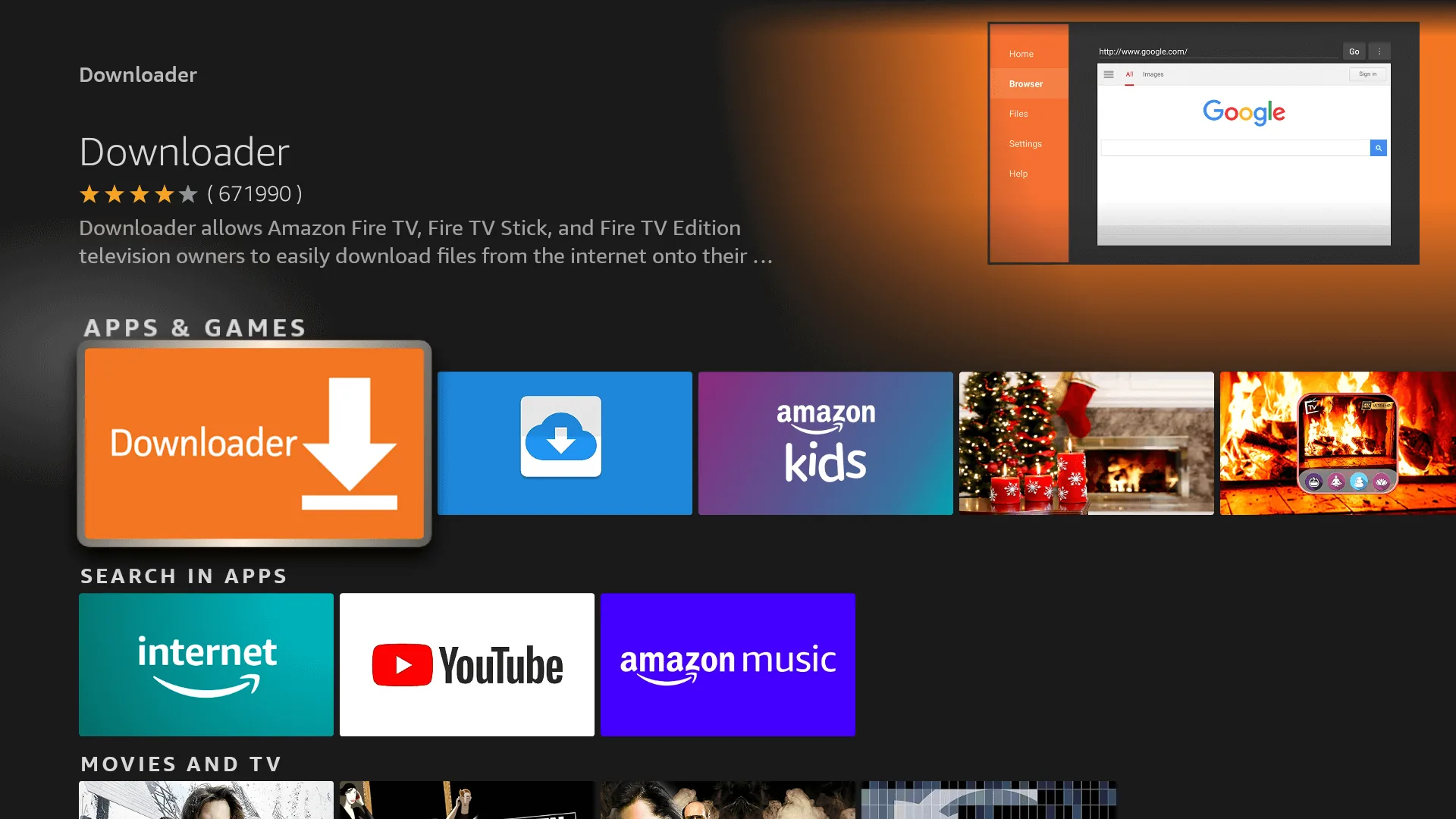
Get the Downloader App
The "Downloader" app is a vital tool that lets you easily download IPTV apps onto your TV.
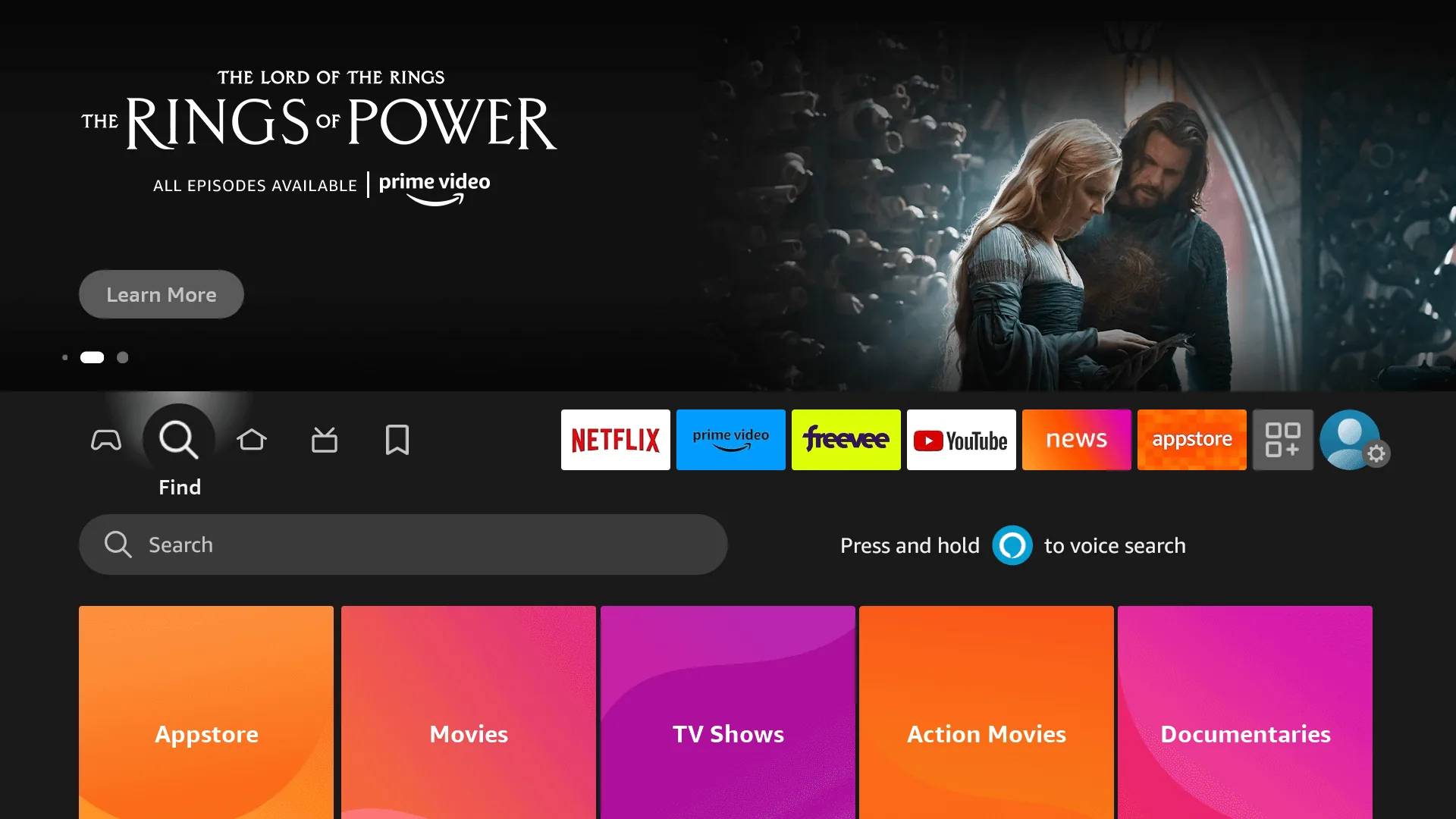
- Go back to your Home Screen and click on the Find / Search magnifying glass icon.
- Type in Downloader.
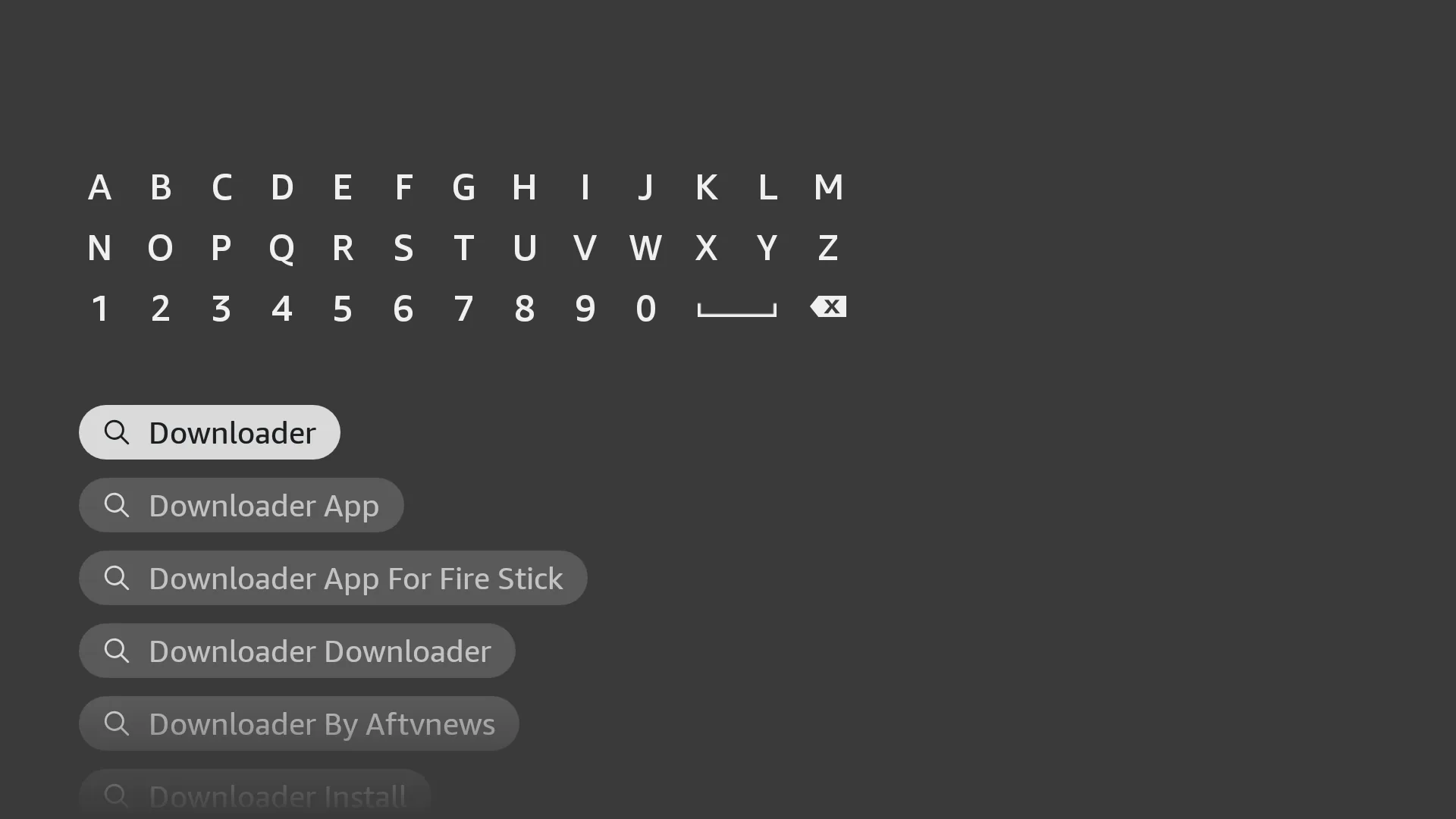
- Select the orange Downloader app from the search results and click Download / Install.
3
Download & Install IPTV Smarters
Now we will use Downloader to install the world's best IPTV player: IPTV Smarters Pro.
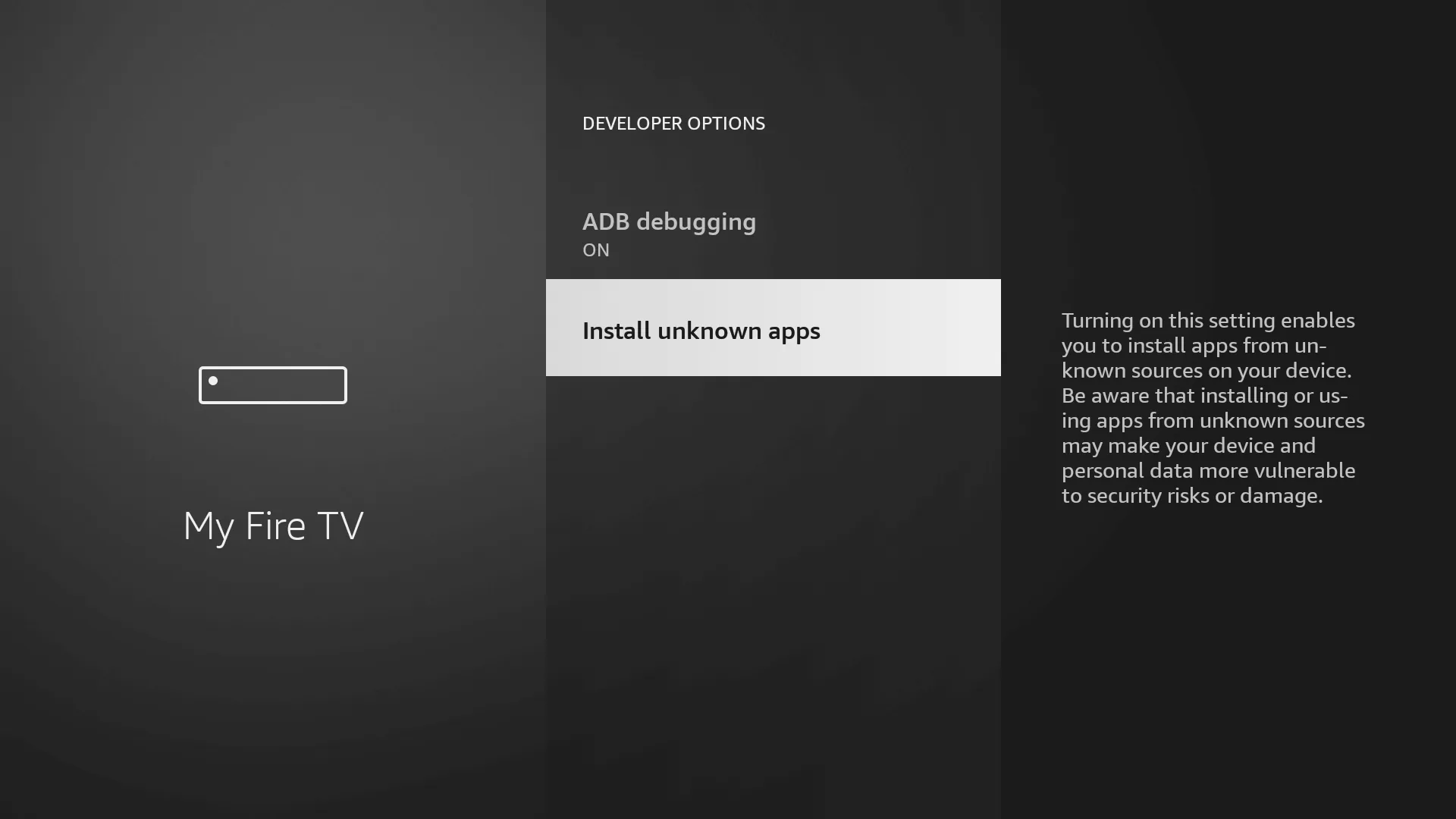
- First, go back to Settings > My Fire TV > Developer Options > Install Unknown Apps, and turn ON Downloader.
- Open the Downloader app.
- Click on the URL text box and type in the following URL exactly:
URL to enter:iptvsmarters.com/smarters.apk
- Click Go. The app will automatically begin downloading.
- Once the download finishes, click Install on the prompt that appears in the bottom right corner.
- After it installs, click Open to launch IPTV Smarters.
4
Log In and Start Watching!
You're almost done! Now you just need to enter the subscription details we sent you on WhatsApp after your purchase.
- Open IPTV Smarters Pro and Accept the terms of service.
- Click on Login with Xtream Codes API (this is very important!).
- Fill in the login screen exactly as follows:
- Any Name: Watch-TV
- Username: (The Username we sent you)
- Password: (The Password we sent you)
- URL: (The Server URL we sent you)
- Click Add User. The app will now download all live channels, movies, and TV series directly to your screen!
Ready to start watching?
Get your subscription credentials instantly via WhatsApp.